Statistics
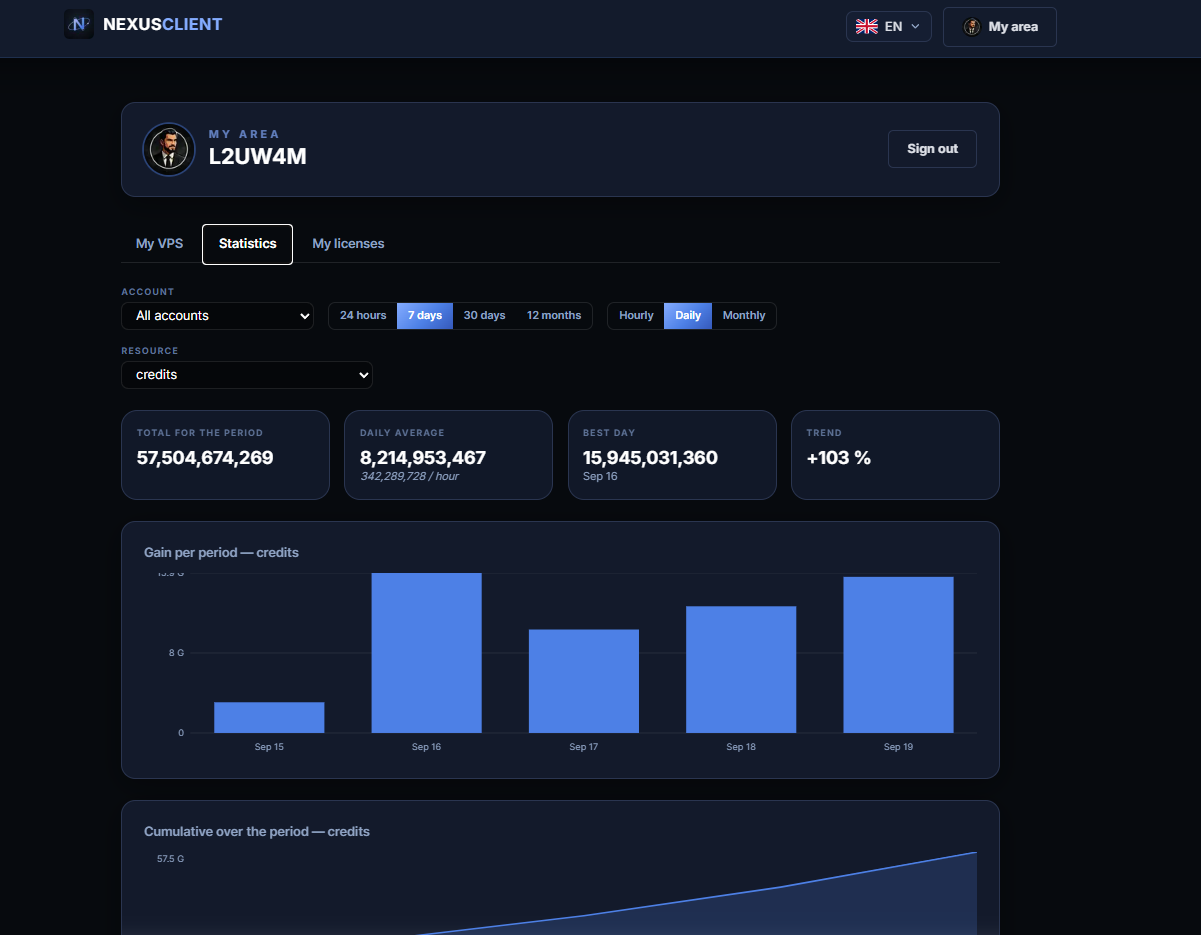
Statistics allow you to monitor changes in your account balances in real time. They can be accessed both via the NCC and from your smartphone, via the website.
There are two ways to access it.
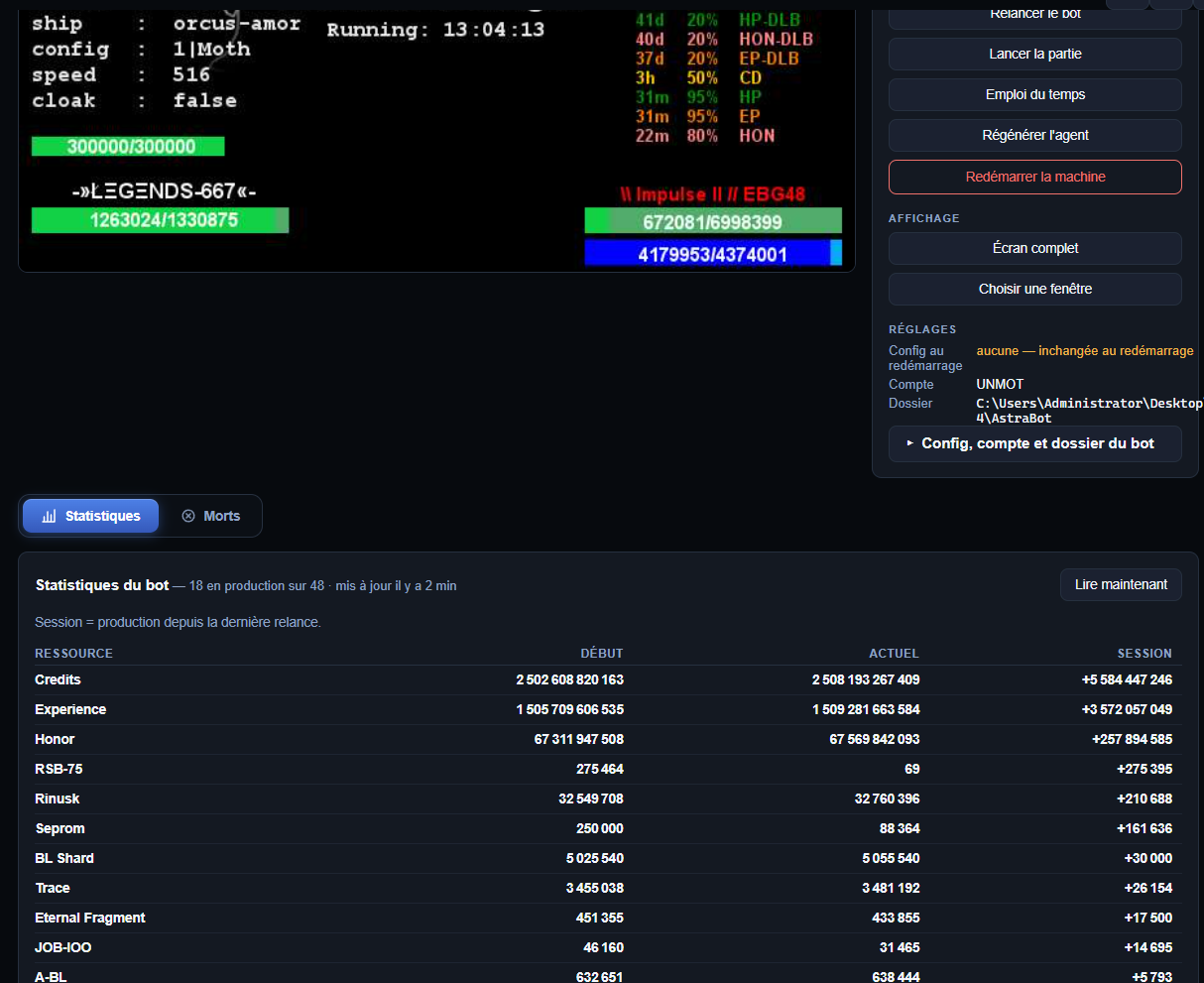
1. From a VPS details page
On the screen wall, click on a VPS screen: its details page will open, showing its account statistics.
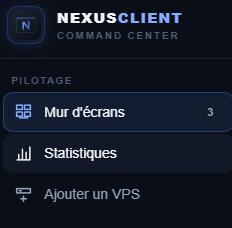
2. From the ‘Statistics’ tab
For a more detailed analysis, open the ‘Statistics’ tab.
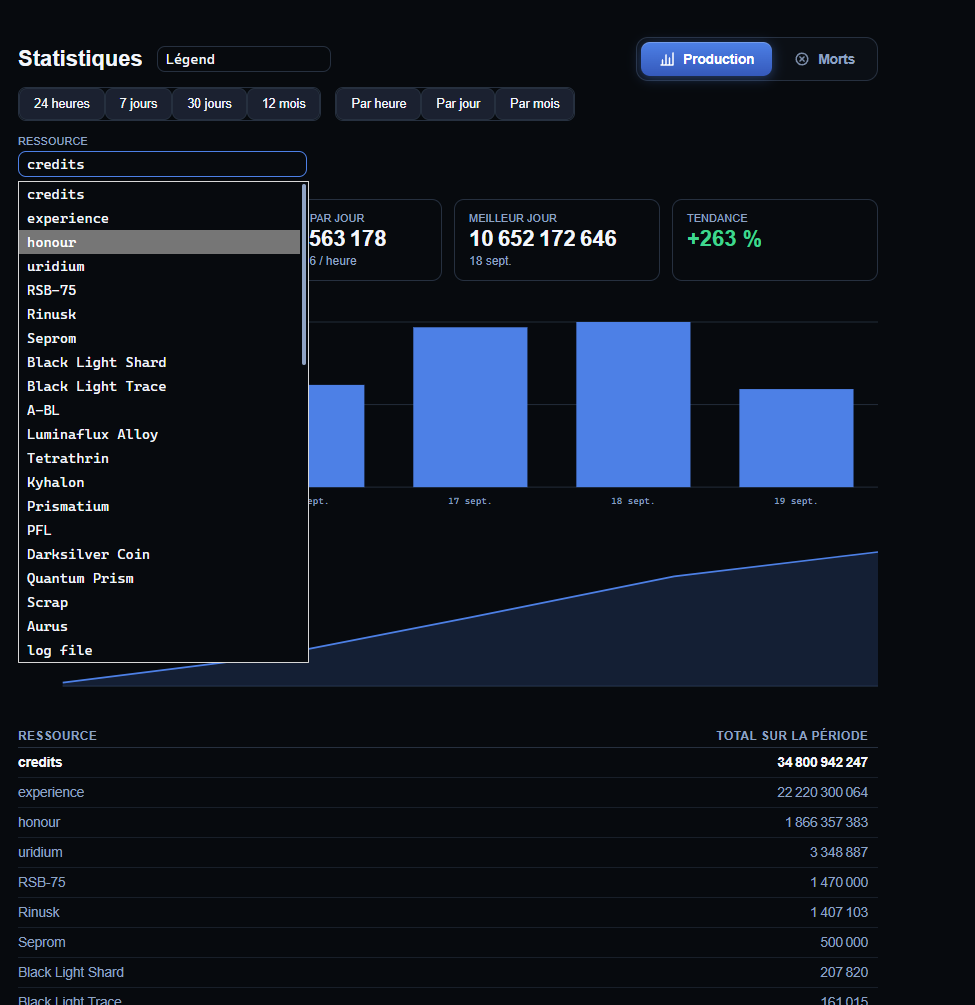
From this page, you can filter by:
- on one VPS or on** all of them**;
- to a specific account;
- on a specific resource;
and track progress daily,** weekly or monthly**.
Astuce
On a smartphone, the same page is available via the website: handy for checking your winnings without opening the NCC.